ROB RUN: Rent a Plot & Check Document Requirements
Find a rentable ROB RUN plot, check settlement ownership and confirm the required documents. Visual steps with official help and launch-version notes.
Last updated: 2026-11-09
Check the settlement owner before looking for a rental. The official rental instructions require a settlement that already has an owner.
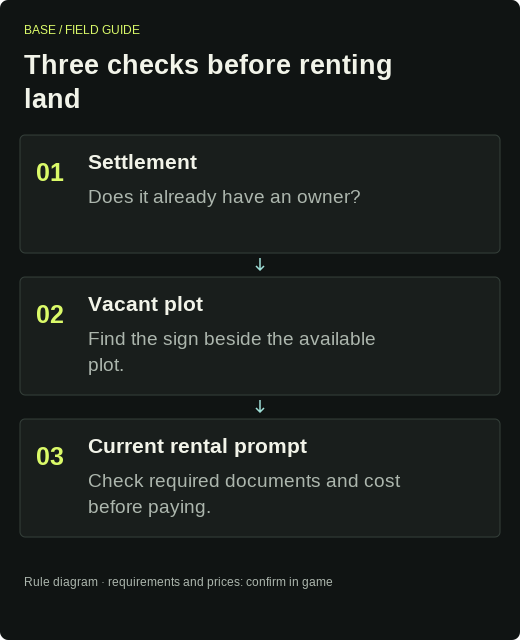
Original rental checklist diagram, not a game map or screenshot.
At the plot
- Confirm the settlement has an owner.
- Find an available plot and the sign beside it.
- Read the rental prompt, confirm the required resources, then decide whether to pay.
The official rental help describes the sign and documents from the Black Market for level 2 and 3 districts.
Why older cash advice can differ
The November 4 launch announcement changed Tier 1 land rental and settlements to documents. The help article and launch note therefore cover different versions of the requirement. Use the current in-game prompt for the exact item and quantity; this guide does not publish an unverified fixed price.
If you cannot rent
Check these separately: is the settlement owned, is that plot vacant, and do you have what its prompt requests? These are checklist questions, not a guarantee that every rental error has the same cause.
Once you have a base, see banking and laundering. Before moving belongings, read loss rules. To meet friends first, open the free squad planner.
Rental help checked November 8, 2026; launch changes were previously checked November 6. This is a source-based guide, not a live plot inventory.
How to secure your new base